Blood of Dawnwalker PC System Requirements and Controls
Official PC system specs for The Blood of Dawnwalker: minimum and recommended CPU, GPU, 16 GB RAM, 60 GB SSD mandate, Steam Deck settings, and controller layout.
Quick Answer · Tactical Key Takeaway
The Blood of Dawnwalker requires 64-bit Windows 10, 16 GB RAM, and a 60 GB SSD. Solid 60 FPS needs an RTX 4060, RX 7600 XT, or Arc B580. Gamepads are recommended for directional parrying.
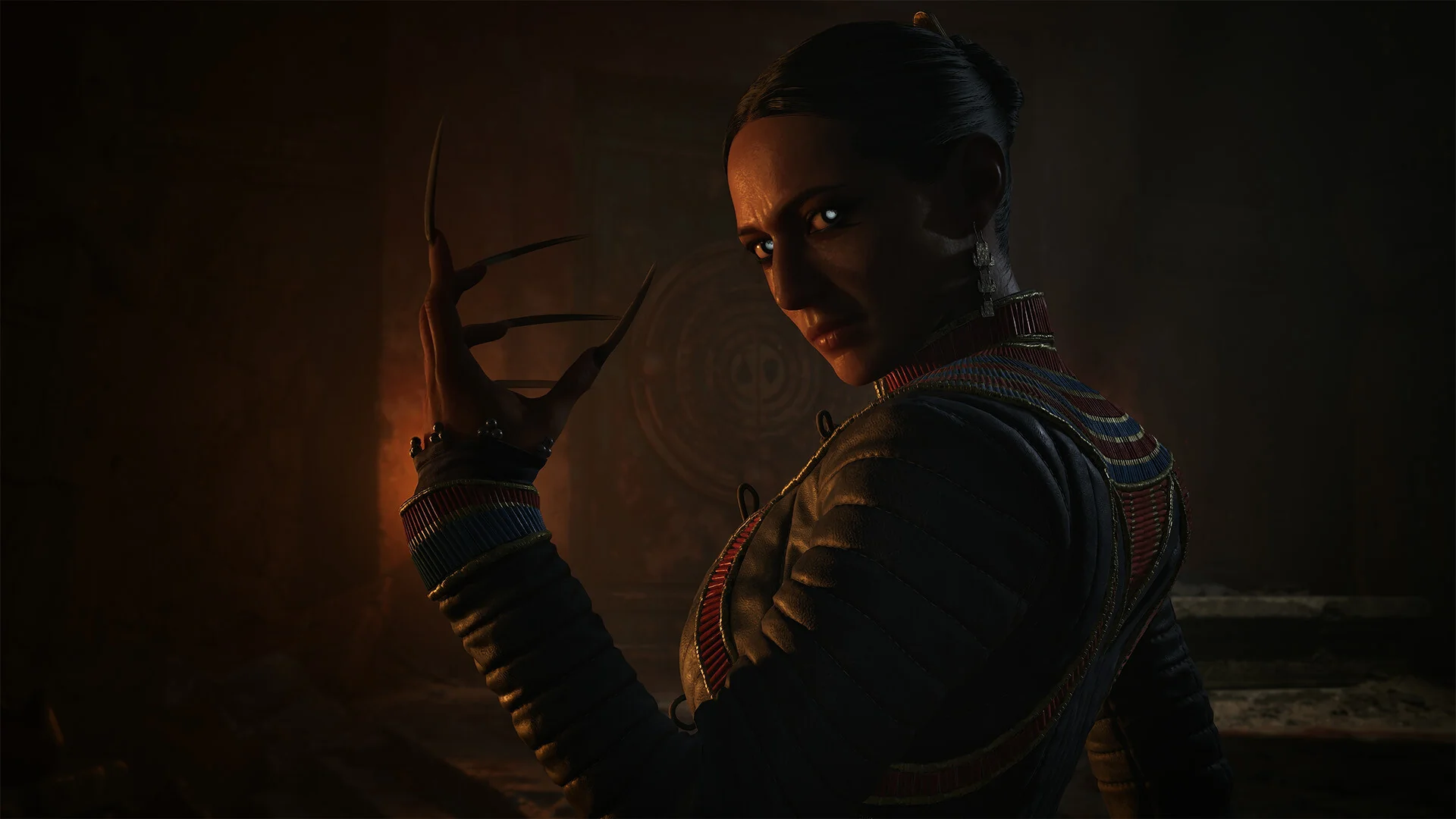
Built from the ground up on Unreal Engine 5, The Blood of Dawnwalker delivers high-fidelity 14th-century gothic environments, atmospheric volumetric fog, and complex directional melee combat calculations across the rugged valleys of Vale Sangora.
To run the game reliably without stuttering, players must meet explicit hardware thresholds. Rebel Wolves has optimized the engine for modern desktop rigs and handheld PCs, but the game strictly mandates an internal solid-state drive (SSD) with DirectX 12 support.
Official PC Hardware Requirements
Review the official minimum and recommended PC specifications before downloading the 60 GB package on Steam:
| Specification Parameter | Minimum Requirements | Recommended Requirements |
|---|---|---|
| Operating System | Windows 10 (64-bit, DirectX 12) | Windows 10 (64-bit, DirectX 12) |
| Processor (CPU) | Intel Core i5-11400F, AMD Ryzen 7 2700X | Intel Core i7-11700K, AMD Ryzen 7 5700X |
| Memory (RAM) | 16 GB System Memory | 16 GB Dual-Channel System Memory |
| Graphics (GPU) | Nvidia GeForce GTX 1060 (6GB), AMD Radeon RX 580 (8GB) | Nvidia GeForce RTX 4060 (8GB), AMD Radeon RX 7600 XT, Intel Arc B580 |
| Storage (Disk) | 60 GB SSD Available Space (Required) | 60 GB NVMe SSD Available Space |
| DirectX API | Version 12 (Feature Level 12_0) | Version 12 (Feature Level 12_2) |
Why an SSD is Strictly Mandatory
Unreal Engine 5 utilizes Nanite virtualized geometry streaming. When traveling across the open wilderness of Vale Sangora, high-resolution mesh level-of-detail chunks stream dynamically from disk. Installing the game on a traditional mechanical hard drive causes severe asset hitching, delayed texture pop-in, and dropped inputs during high-speed directional combat encounters.
CPU vs GPU Bottleneck Analysis
Understanding how The Blood of Dawnwalker utilizes PC hardware helps eliminate frame pacing stutters:
- Main Simulation Thread (CPU Demand): The game tracks persistent NPC routines, directional parry vector calculations for multiple combatants simultaneously, and the 30-day sandbox calendar. An 8-core processor, such as the Ryzen 7 2700X, or Ryzen 7 5700X, prevents frame drops in crowded village markets.
- VRAM Buffer Allocation (GPU Demand): At standard display resolution, high texture settings require a minimum of 6 GB VRAM (GTX 1060). Running at higher resolutions with complex shadows demands 8 GB VRAM (RTX 4060, RX 7600 XT).
- Shader Pipeline Optimization: As documented in our Patch Notes Guide, Hotfix 1.0.5 overhauled shader compilation to resolve pre-render pipeline stuttering on modern GPUs.
Handheld Optimization: Steam Deck and ROG Ally
For players on portable gaming handhelds, achieving consistent frame delivery requires dialing in specific configuration parameters:
| Handheld Parameter | Steam Deck Profile | ROG Ally / Handheld PC Profile |
|---|---|---|
| Display Refresh Rate | Targeted steady refresh rate cap | High refresh display with VRR |
| Resolution Scaling | Handheld display with AMD FSR 2 Quality | Native handheld display with AMD FSR 2 Balanced Mode |
| Shadow Resolution | Medium (Prevents memory overload) | Medium to High |
| Volumetric Lighting | Low to Medium | Medium |
| TDP Power Envelope | 12 Watts (Extends battery to 2.5 hours) | Balanced plugged-in profile |
The radial directional combat inputs map naturally to handheld analog sticks, providing fluid High Guard, Low Guard, and Flank Guard parrying during travel.
Full Controller and Keyboard Layout Matrix
Because the directional parry system relies on radial vector angles, playing with an analog gamepad or specialized gaming mouse is strongly advised:
| In-Game Action | Xbox Controller Layout | PlayStation 5 DualSense | PC Keyboard and Mouse Mapping |
|---|---|---|---|
| Character Movement | Left Analog Stick | Left Analog Stick | W / A / S / D Keys |
| Directional Guard & Parry | Right Stick Direction + Left Bumper (LB) | Right Stick Direction + L1 Bumper | Mouse Vector Direction + Right Click |
| Light Melee Slash | Right Bumper (RB) | R1 Bumper | Left Mouse Button |
| Heavy Stance Thrust | Right Trigger (RT Hold) | R2 Trigger (Hold) | Shift + Left Mouse Button |
| Dodge Roll / Shadow Leap | B Button | Circle Button | Spacebar |
| Interact / Blood Siphon | X Button | Square Button | E Key |
| Witchcraft Talisman Wheel | D-Pad Up / Down | D-Pad Up / Down | 1 to 4 Number Keys |
| Lock-On Target Focus | Right Stick Click (R3) | Right Stick Click (R3) | Middle Mouse Button Click |
| Camera Control | Right Analog Stick | Right Analog Stick | Mouse Movement |
For detailed guidance on executing parries and building Activation Charges, see our Directional Combat & Parry Guide.
Optimal Graphics Settings for Stable 60 FPS
For players running mainstream hardware such as an RTX 4060, RX 7600 XT, or Arc B580:
- Upscaling Mode: Enable DLSS or FSR in Quality Mode to ensure clean edges and stable frame pacing in settlements.
- Volumetric Fog: Reduce from Ultra to High for a substantial frame rate boost in swamp and graveyard sectors.
- Shadow Resolution: Set to Medium to eliminate frame dips during nocturnal Vrakhir pack encounters.
- Motion Blur & Film Grain: Disable completely to maximize visual clarity when reading fast enemy attack telegraphs.
- DirectX Shader Cache: Following major GPU driver updates, verify your DirectX Shader Cache in Windows disk cleanup if micro-stutters appear after clean driver installations.
Controller vs Keyboard Combat Ergonomics
Because directional sword stances and nocturnal vampire abilities share rapid input demands during boss encounters like Knyaz Brencis (detailed in the Knyaz Brencis Boss Guide), customizing your layout prevents hand fatigue:
- Gamepad Customization: We recommend mapping the Dodge button to a rear grip paddle or bumper chord. This allows your right thumb to remain permanently on the right analog stick for instant directional parrying without breaking defensive rhythm.
- Mouse & Keyboard Customization: Lower mouse sensitivity by a slight margin in the gameplay menu. High mouse DPI can cause accidental directional guard shifts during frenetic multi-enemy melee brawls.
- Accessibility Options: If manual four-direction parrying causes strain, enable Omni-Combat Assist in the accessibility settings. This automates directional alignment at the cost of 25% higher stamina drain, as detailed in our combat guide.
Coordinate your controls with our optimal character progression roadmap in the Best Builds & Skill Tree Guide and strategic calendar timing in the 30-Day Walkthrough & Quest Order.
Frequently Asked Questions
Q: Can The Blood of Dawnwalker run on an HDD mechanical hard drive?
No. Rebel Wolves mandates an SSD for The Blood of Dawnwalker. Unreal Engine 5 Nanite geometry and texture streaming require high-speed solid-state drives to prevent severe hitching when traveling through Vale Sangora.
Q: Is The Blood of Dawnwalker playable on Steam Deck and ROG Ally?
Yes. The game runs on Steam Deck with custom graphics settings. Controller button prompts and directional stick inputs map seamlessly on handheld devices.
Q: Does the game support ultrawide monitors and unlocked frame rates?
Yes. The game supports wide aspect ratios and unlocked frame rates on PC, subject to your installed graphics hardware.